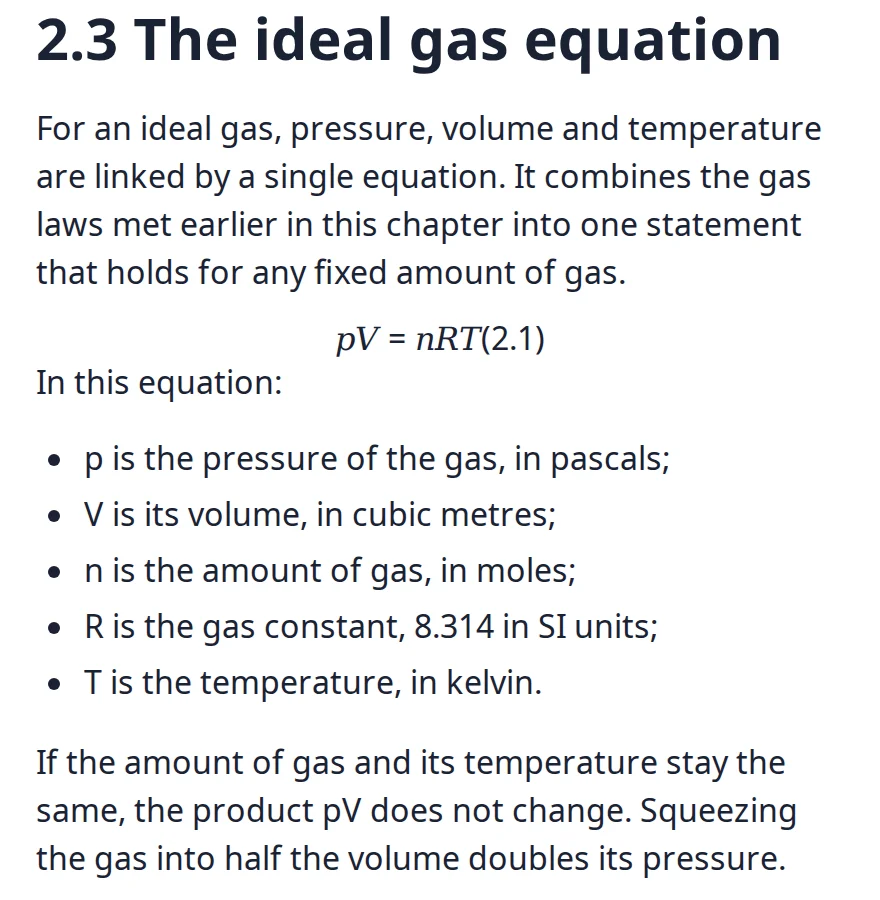
For an ideal gas, pressure, volume and temperature are linked by a single equation:
pV = nRT
Gas
Molar mass (g/mol)
Helium
4.0
Nitrogen
28.0
Oxygen
32.0
Rebuiltreading order 3 of 4
h12.3 The ideal gas equation
pFor an ideal gas, pressure, volume and temperature are linked…
mathpV = nRT
table2 columns · header row · 3 rows
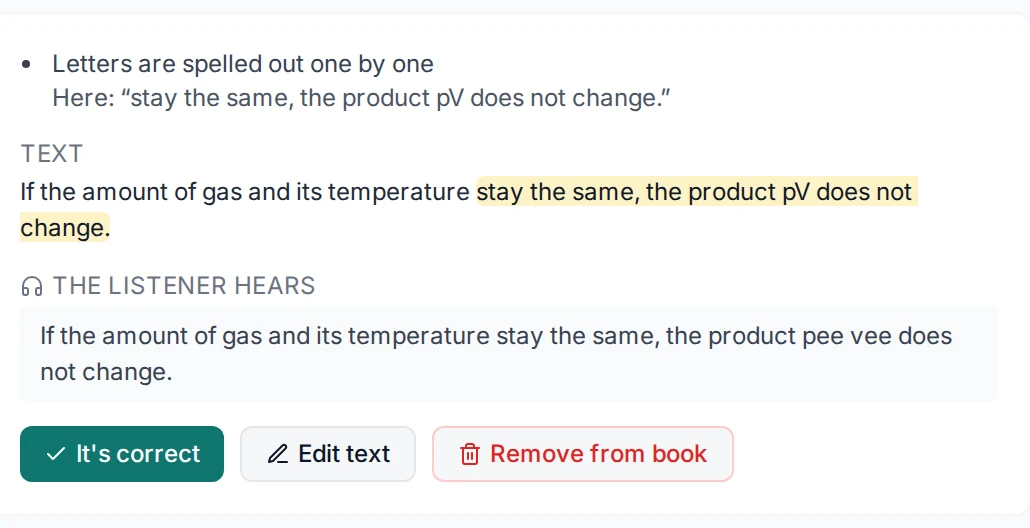
The listener hears
“p, capital V, equals n, capital R, capital T”
Upload
Rebuild
Check
Listen
A drawn example: a scanned page with a heading, the equation pV = nRT and a small table is rebuilt into a heading, a paragraph, an equation and a table, and the equation is read aloud as “p, capital V, equals n, capital R, capital T”.
The same page, made by SecondSight from our own sample. Nobody edited it.
<h1>2.3 The ideal gas equation
<p>For an ideal gas, pressure, volume and temperature are linked by a single equation…
<math>pV = nRT
<figure>alt: “Diagram of a gas cylinder with a movable piston, containing several gas particles represented by black dots.”
<table>Gas · Formula · Molar mass (g/mol), headers marked
Accessible HTML one file
Headings, reading order, tables with headers, maths as MathML. The figure description was written by AI.
EPUB 3 with accessibility metadata
Opens in the built-in reader, or any EPUB 3 reader.
Transcript
For an ideal gas, pressure, volume and temperature are linked by a single equation. It combines the gas laws met earlier in this chapter into one statement that holds for any fixed amount of gas. p, capital V, equals n, capital R, capital T.
Read-Aloud 17 seconds
The same paragraph and its equation, in the reader’s voice.
PDF, scanned or digital, Word, PowerPoint, HTML or an image.
02
It rebuilds the structure
Headings, lists, tables, figures, equations, and the order they’re read in.
03
You check what it doubts
It lists the passages it isn’t sure of, riskiest first. You approve or correct them.
What you get
01 · Files
Standards-ready outputs
Accessible HTML5 in one file
EPUB 3 with accessibility metadata
Structured XML
02 · Checks
WCAG 2.2, checked
25 accessibility checks on every document
9 fixes in one click
Each issue pinned to the exact spot
03 · Listening
A book that reads aloud
Read-Aloud in the reader
Seven voices, or the browser’s own
Speeds from 0.5× to 2×
Listen Check
A person decides what a listener hears.
The Listen Check puts the page beside the exact words the voice will say, riskiest first. Approve it, or fix the text. It takes about ten seconds an item, and your decisions are kept when the document is processed again.